Flyout menu
When you are using a Read the Docs site, you will likely notice that we embed a menu on all the documentation pages we serve. This is a way to expose the functionality of Read the Docs on the page, without having to have the documentation theme integrate it directly.
There are two versions of the flyout menu:
Addons flyout menu
The updated Read the Docs Addons flyout menu lists available documentation versions and translations, as well as useful links, offline formats, and a search bar.
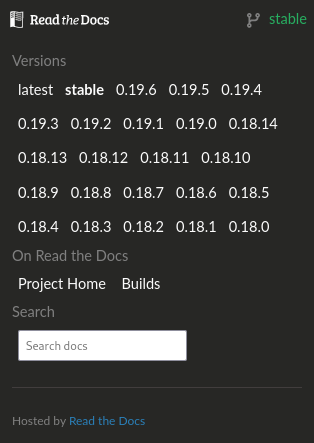
The opened flyout menu
Original flyout menu
The flyout menu provides access to the following bits of Read the Docs functionality:
A version switcher that shows users all of the active, unhidden versions they have access to.
Offline formats for the current version, including HTML & PDF downloads that are enabled by the project.
Links to the Read the Docs dashboard for the project.
Links to your Git provider that allow the user to quickly find the exact file that the documentation was rendered from.
A search bar that gives users access to our Server side search of the current version.
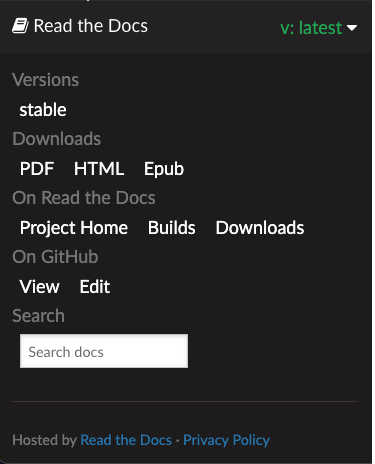
The opened flyout